Uncategorized
-
May- 2018 -30 May

10 Things You Can Do on the My Disney Experience App
2. Find different locations. Do you need to know where the nearest restroom is located? Maybe you’re looking for a PhotoPass photographer, a Baby Care Center or a shop you’ve been wanting to visit. You can find all these with the My Disney Experienceapp. Simply click what you’re looking for in the white ticker at the top of the screen when the app first opens and follow the maps or prompts to find
Read More » -
30 May

10 Things You Can Do on the My Disney Experience App
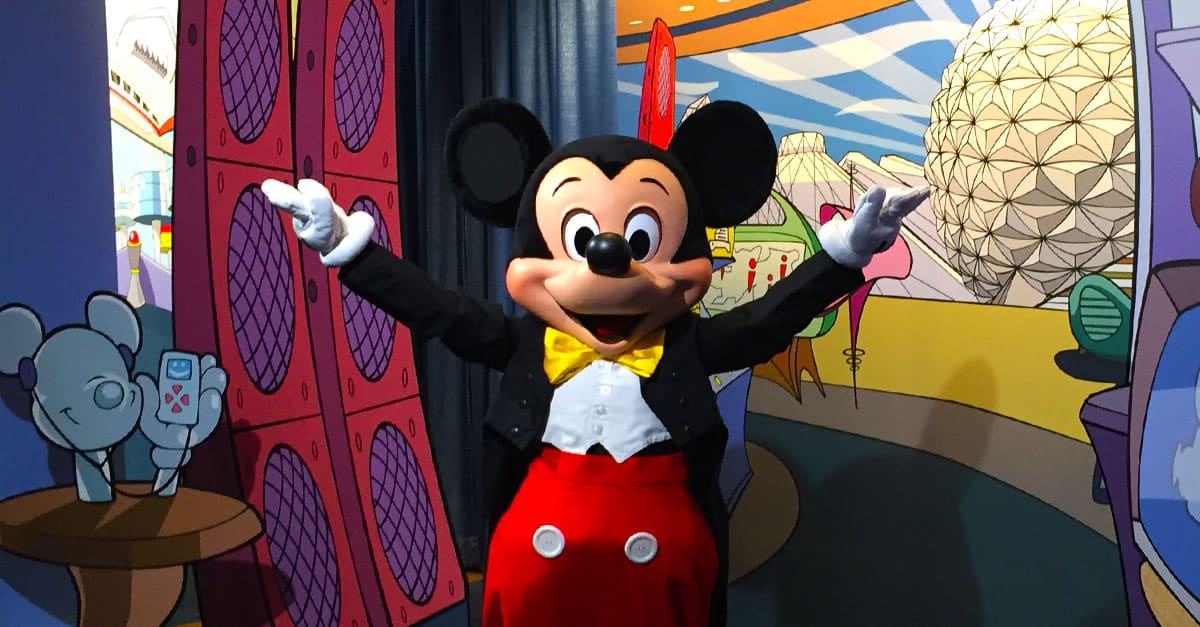
1. Locate places for character encounters. The amazing My Disney Experienceapp can also be used to help you and your family find characters in the parks. Just click “Characters” on the white ticker at the top of the screen when you first open the app, and you will see a list of all the beloved Disney characters who are meeting Guests in the parks that day. Narrow your search by clicking the “half-
Read More » -
30 May
10 Things You Can Do on the My Disney Experience App
5. Check park hours. If you’re not sure how late Magic Kingdom stays open tonight, you don’t have to wonder. That’s because you can see each park’s hours of operation for the date you select when you click on “Park Hours” under the Park Info & Entry heading in the app. Check times for today, tomorrow or a date in the future!
Read More » -
30 May
10 Things You Can Do on the My Disney Experience App
4. Check wait times for attractions. If you don’t have a FastPass+ time for an attraction, it can help to know how long you can expect to wait in the queue for that attraction. Click “Wait Times” on the white ticker at the top of the screen when the app first opens. You can choose to view the map version of wait times or click the list view button on the lower right-hand corner to see a list of wa
Read More » -
30 May
10 Things You Can Do on the My Disney Experience App
3. Get directions. No, you can’t get step-by-step directions from one attraction to another read aloud to you, but you can see a map of each park. Thanks to the magic of technology, the My Disney Experienceis GPS-enabled, so it shows you where you are in the park. Simply explore around the area on the map to see where attractions are located. No more getting lost at Disney!
Read More » -
30 May
10 Things You Can Do on the My Disney Experience App
6. Make FastPass+ selections. The My Disney Experiencecan also be used to make FastPass+ selections. You’ll be able to make yours 60 days in advance if you’re staying on Disney property, and 30 days in advance if you’re staying off Disney property. Simply click “Get FastPass+” under the My Plans heading on the app, choose the members of your family for whom you’re making selections and then choose
Read More » -
30 May
10 Things You Can Do on the My Disney Experience App
8. Make dining reservations. Use the My Disney Experienceapp to make your Disney dining reservations up to 180 days before you’ll be visiting Disney World. Click “Reserve Dining” under the My Plans heading. From there, select the number of Guests in your dining party, the date you’d like to enjoy your reservation and then select a time, or simply click “breakfast,” “lunch” or “dinner.” The app wil
Read More » -
30 May
10 Things You Can Do on the My Disney Experience App
7. Modify or cancel dining reservations. You can also use the My Disney Experienceapp to make changes to existing dining reservations. Simply click on the reservation you want to change and follow the prompts to change the number in your party, the date or the restaurant. If you need to cancel a dining reservation, you can also use the app to do so—as long as you’re not yet in the 24-hour cancelat
Read More » -
30 May
10 Things You Can Do on the My Disney Experience App
10. Buy theme park tickets. You can login to the app and use it to purchase new theme park tickets. Simply click “Buy Tickets” under the Park Info & Entry heading. Click on the number of days you’ll be in the parks and then click on the number of adult tickets and child tickets you’ll need. You can simply use your credit card to pay for the tickets right there in the app! How simple is that?
Read More » -
30 May

10 Things You Can Do on the My Disney Experience App
9. Renew your Annual Passes. Once you are nearing the expiration date of your annual passes, the app will allow you to renew your passes—with a savings of 15%! When you click “My Tickets” under the Park Info & Entry heading, you’ll see a tab that reads “Renew passes and save.” From there, you’ll be able to renew your passes and pay for them via the app with your credit card. How simple!
Read More »